How to Give a Song as a Gift: 6 Ways to Make the Moment Count
By the ThruMemory team · · 6 min read
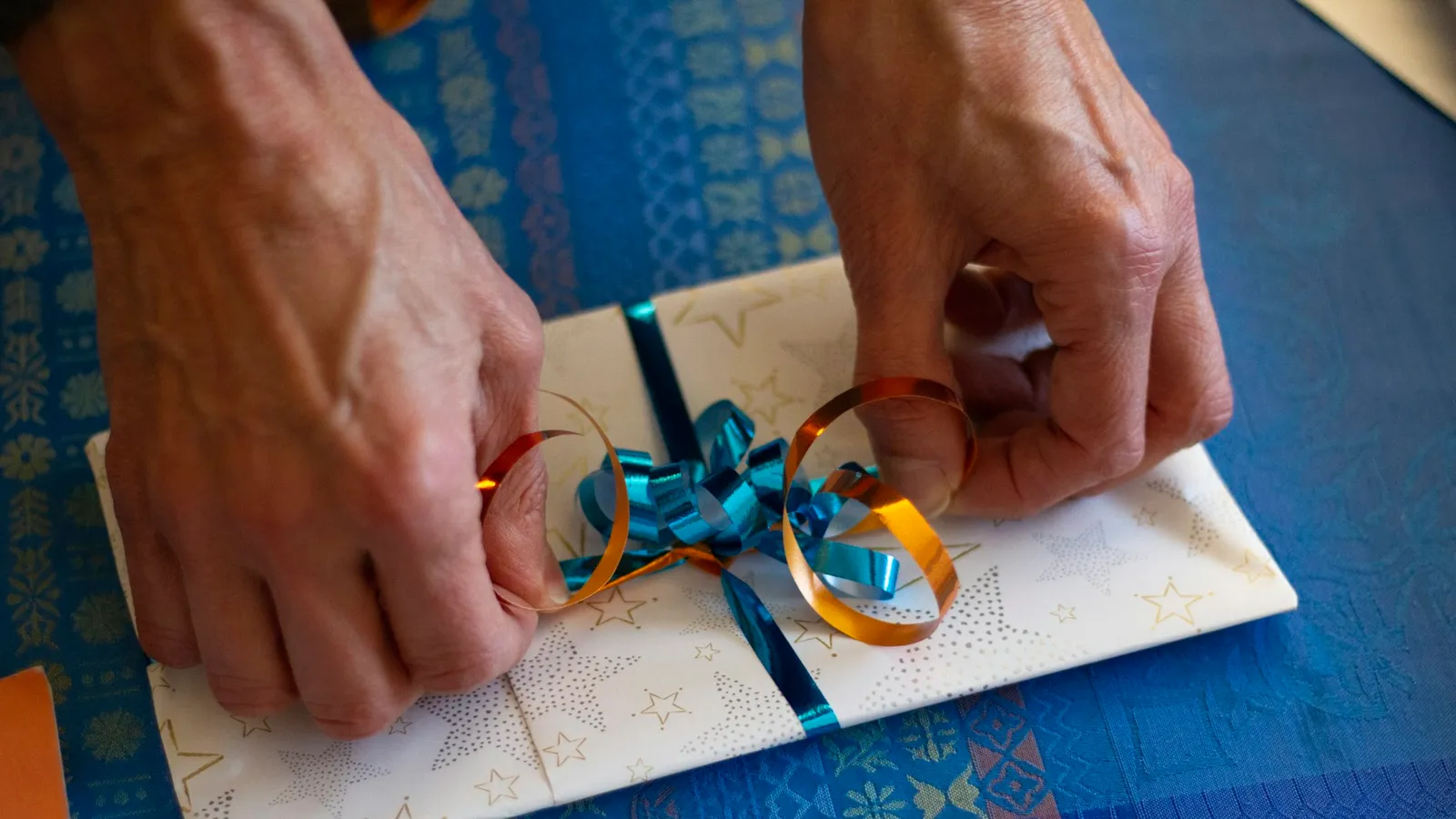
Play it in person, hide a QR code in a card, send it from far away, play it at a party or in a video – how to give a personalized song so the moment counts.
A personalized song is a gift you can't wrap – which is exactly why how you give it matters. Played at the right moment, a song about someone becomes a memory in itself. Sent as a plain link with "hope you like it", it can get lost among a hundred other messages.
This guide covers the best ways to give a song as a gift: in person, in a card with a QR code, from far away, at a party or as part of a video. If you haven't made the song yet, start with a personalized love song, a birthday song with their name or a custom song for Mom.
Before You Give It: Three Quick Checks
- Listen to it yourself, all the way through, on the speaker or phone you'll use.
- Download the MP3 so you're not relying on Wi-Fi at the moment it matters.
- Decide whether you want to film their reaction. If yes, set the phone up before you press play – reactions happen in the first ten seconds.
Way 1: Play It in Person
The simplest and often the most powerful. Choose a quiet moment – dinner, a drive, breakfast – and say only: "I made you something. Just listen."
Tips:
- No big speech before. Let the song do the talking; explain afterwards.
- Use a decent speaker, not the phone's built-in one, if you can.
- Sit next to them, not opposite. It feels less like a performance.
- Have the lyrics ready on the song page in case they want to read along.
Way 2: Hide a QR Code in a Card
Every ThruMemory song comes with its own page and a QR code. Print the code and put it:
- inside a birthday or anniversary card,
- in a gift box with something physical (flowers, a book, a framed photo),
- on the back of a printed photo of the two of you,
- in their lunch bag, coffee mug or car.
When they scan it, the song page opens with a player, the lyrics and your message. It turns a small physical gift into a moment.
Way 3: Send It From Far Away
For long-distance partners, parents in another state or friends abroad:
- Send the song page link with a short personal message – one sentence about why you made it.
- Schedule it for a meaningful time: the morning of their birthday, the exact hour you met, midnight on New Year's Eve.
- Call while they listen, or ask someone nearby to be with them and film the moment.
Way 4: Play It at a Party or Celebration
Songs for anniversaries, weddings and milestone birthdays work beautifully in front of family and friends:
- Before the toast: ask for quiet, play the song, then raise a glass.
- With a slideshow: photos from the years, the song underneath.
- At a wedding: as the first dance, during the toast, or as a surprise from the bridal party.
- With lyrics on screen: show the song page on a TV so everyone can follow the words.
Way 5: Make It Part of a Video
A song makes any video better:
- A photo montage of your years together.
- A "wishes" video with clips from friends and family, the song at the end.
- Their reaction video – with their permission, it becomes a gift to everyone who loves them.
Personal use like this is included with a ThruMemory song, including posting on your personal social media.
Way 6: Combine It With a Physical Gift
The song gives meaning to the object; the object gives the song a place to live:
- A framed print of the lyrics with the QR code.
- A vinyl-style record frame with the song title.
- A photo book with the QR code on the first page.
- Flowers with a small card: "Scan me."
Ideas by Occasion
Anniversary: play it at dinner before dessert, or in the car on the way to the restaurant. Put the QR code in the anniversary card.
Birthday: play it as everyone gathers for the cake, or first thing in the morning before anyone says "happy birthday".
Wedding: as the first dance, during the toast, or as a surprise for your partner on the morning of the wedding.
Mother's Day and Father's Day: a QR code inside the card at breakfast, or a video call where the whole family listens together.
Christmas: tuck the QR code into a stocking, or play the song after the presents are opened when everyone is still in the room.
Proposal: play the song at the place where you met and get down on one knee as the last chorus begins.
Just because: send it on an ordinary day with a one-line message. Unexpected songs are often the ones people remember most.
What to Say When You Give It
Less is more. A few lines that work:
- "I wanted you to hear how I see you."
- "This is our story. Every line is true."
- "I couldn't find the right words, so I made them into a song."
Common Mistakes to Avoid
- Explaining every line before they hear it. Let them discover the details.
- Playing it in a loud room where nobody can hear the words.
- Sending it without context in a busy group chat.
- Forgetting to download it before a party with weak Wi-Fi.
Making the Song
With ThruMemory, you answer a short questionnaire about them, choose the style and the feeling, and – with Standard and Express – choose between two versions of the lyrics and change any line before recording. The music and vocals are made with AI tools and checked by a person. Every package includes the song page with a QR code and the MP3, so you can give it in any of the ways above.
Frequently Asked Questions
How do I share a personalized song with someone?
Send them the song page link, show them the QR code, or play the MP3 for them. The song page includes the player, the lyrics and your message.
Can I print the QR code on a card?
Yes. Download or screenshot the QR code from the song page and print it on a card, a photo or a gift tag.
Can I post the song on social media?
Posting it on your personal social media is fine. Commercial use – ads, products, streaming releases – needs permission.
How long does the song page stay online?
At ThruMemory, song pages stay online for 12 months after delivery. Download the MP3 to keep the song forever.
Should I film their reaction?
Only if they'd be comfortable with it. Set the phone up before you press play, keep it quiet, and ask before sharing the video with anyone else.
What if they don't react the way I expected?
Many people go quiet when they hear something personal – it's a lot to take in. Give them a moment, let them listen again, and let them read the lyrics on the song page.